📻 BS_Radio (v1.2.0) | The Ultimate Advanced Radio System by BetaScripts 🎙️
Give your server a polished, LEO-ready radio experience with stunning UI, live channel management, and seamless VoIP integration.
✨ Key Features
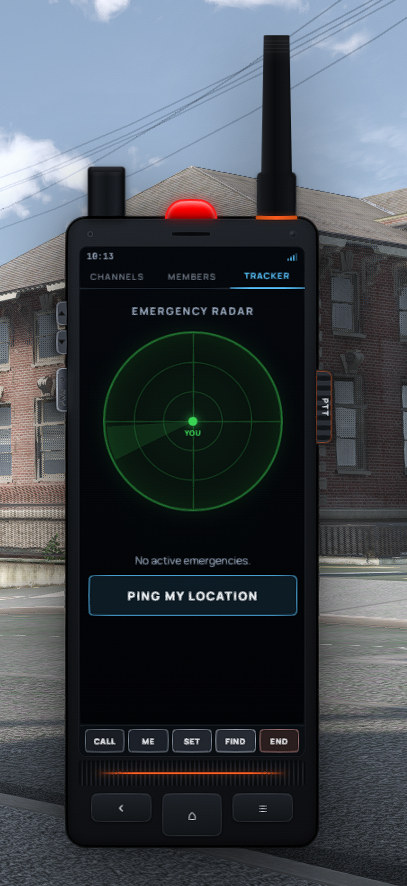
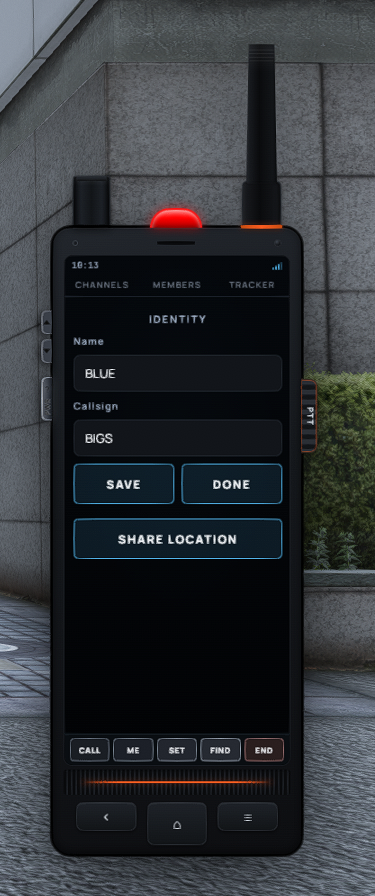
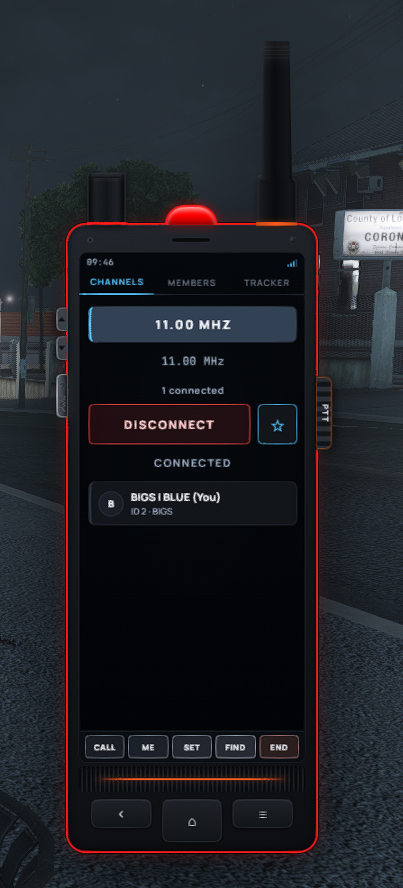
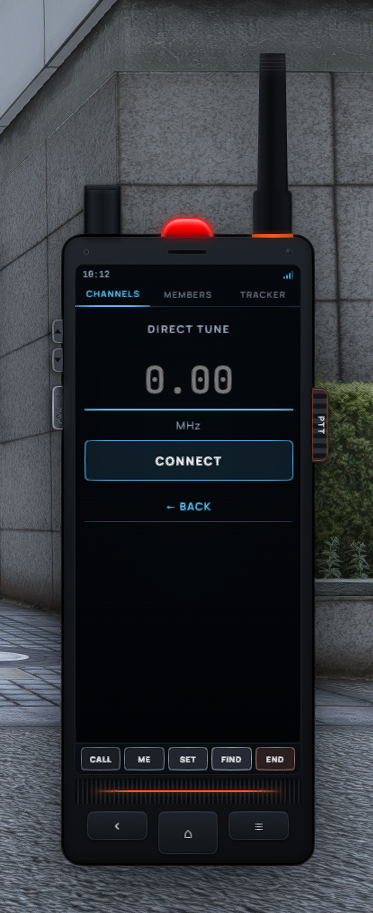
🎨 Stunning Handset UI (Aurora / PNC Style)
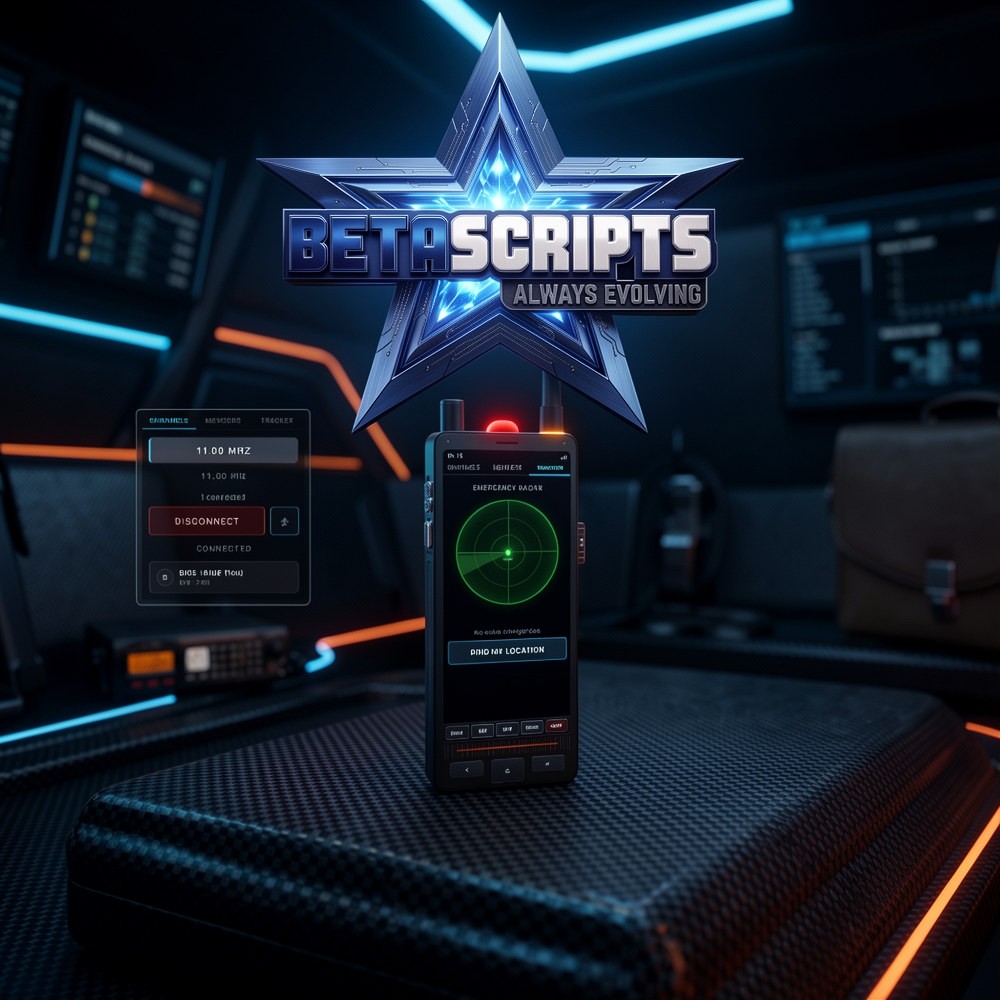
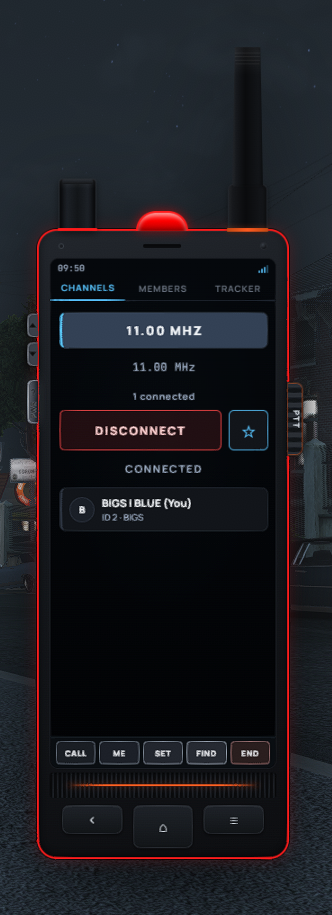
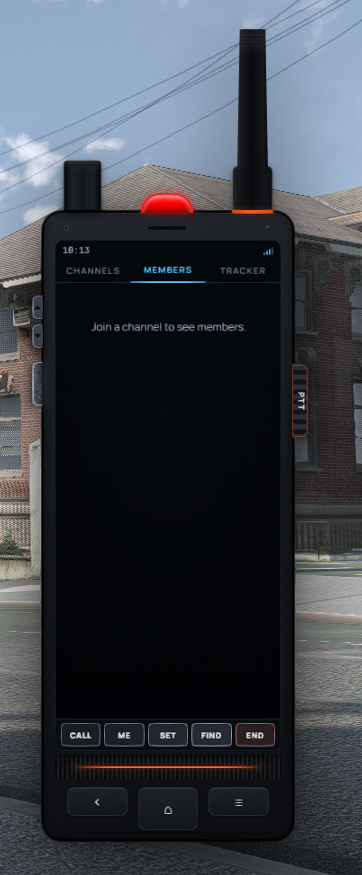
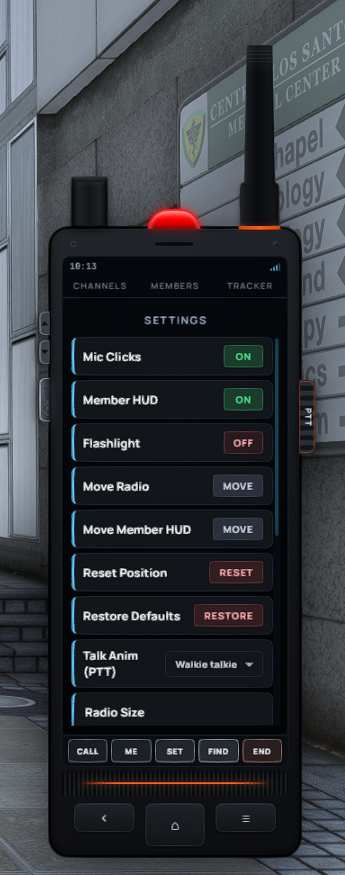
Immerse your players with a highly realistic interface. Fully customizable trim colors, key themes, brightness, and size. Features a working screen, built-in flashlight, and power toggle!
🛠️ Live Channel Admin (/radioadmin)
Total control without the downtime! Create, edit, and lock frequencies on the fly. Restrict access via Job, Gang, ACE, Player ID, Passwords, or Floor Bands—no server restart required!
🔋 Dynamic Power Management
Take control of battery life. Admins can easily toggle battery/power cells, adjust drain rates, and configure recharge items live in-game.
🗣️ Universal VoIP Support
Plug and play! Automatically detects and integrates with your setup (Config.Voice = auto). Fully supports:
pma-voice
mumble-voip
SaltyChat
TokoVOIP
🎬 Immersive Talk Animations
Look the part while communicating. Choose from: shoulder, chest, hand mic, belt, car, earpiece, handheld, or walkie-talkie animations. Includes a special hold-radio flashlight pose! 🔦
📡 Tactical Jammer & Scanner
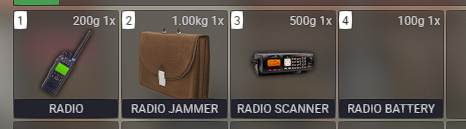
Introduce new RP scenarios! Place or destroy signal jammers, scan nearby active frequencies, or silently eavesdrop on channels.
🚨 Panic Button & GPS Tracker
Enhance emergency RP. Instantly send panic alerts and share live GPS locations directly with your channel mates.
👥 Live Member HUD
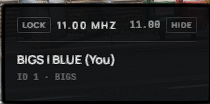
Never wonder who is speaking again. Features a sleek on-screen list showing active talkers (/rlist), complete with authentic mic clicks.
⚙️ Framework & Inventory Ready
Built to fit your server perfectly. Out-of-the-box support for ESX / QBCore / QBox / Custom frameworks, alongside native integration for ox_inventory, qb-inventory, and qs-inventory.
🚀 Quick & Easy Installation
1️⃣ Download your asset directly from the Cfx.re Keymaster.
2️⃣ Drag & Drop the bs_radio folder into your resources directory (Note: do not rename the folder!).
3️⃣ Database Setup: Import sql/install.sql (or simply start the script—tables will auto-create on first boot!).
4️⃣ Items & Icons: Add the required items from the install/ folder to your inventory configuration and upload the provided item images.
5️⃣ Configuration: Tweak shared/config.lua to perfectly match your framework, inventory, voice script, and ACE permissions.
6️⃣ Server.cfg: Ensure your startup order is correct:
ensure oxmysql ➡️ ensure [your_voice_script] ➡️ ensure bs_radio
💎 Take your server's communication to the next level with BS_Radio today! 🛒